


Cut the ums. And the long pauses.
One toggle removes um, uh, repeats and stutters (English speech for now); another closes the silences.
Paste a podcast, interview, talk or stream. Get vertical clips for TikTok, Reels and Shorts, titled in the video's own language.
30 free minutes, no card needed. Files upload once you're in. See how it works
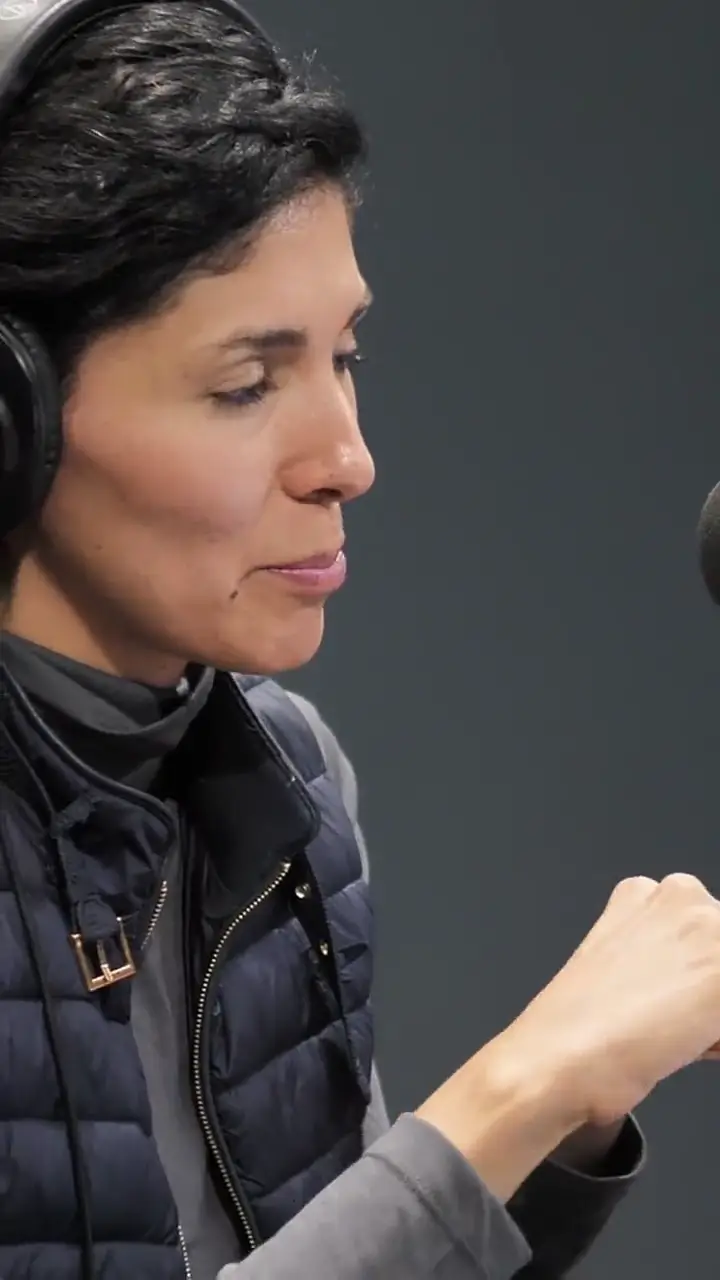
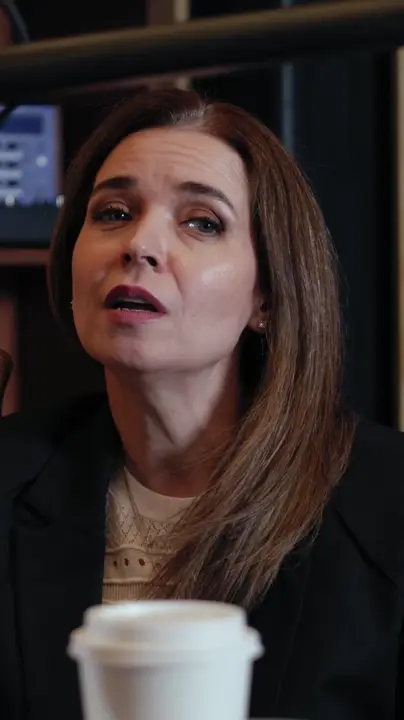
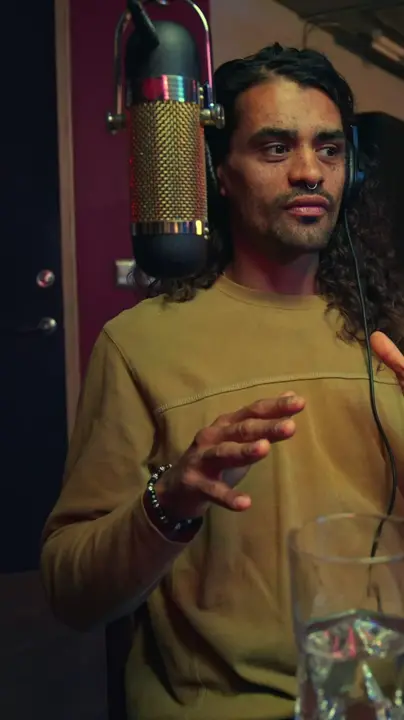
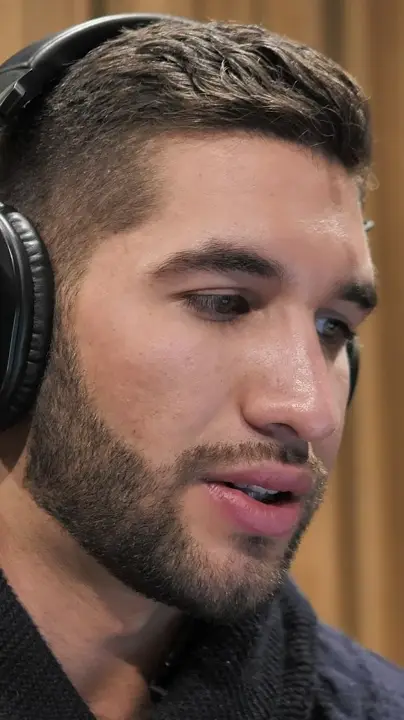
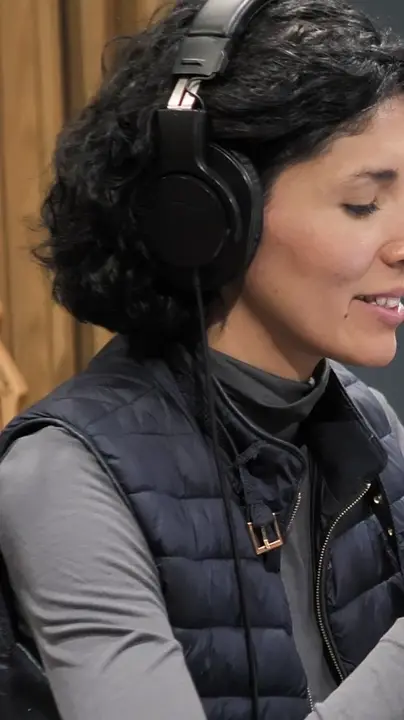
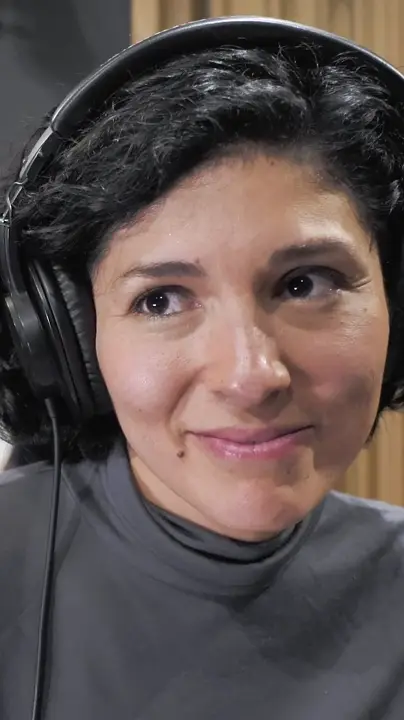
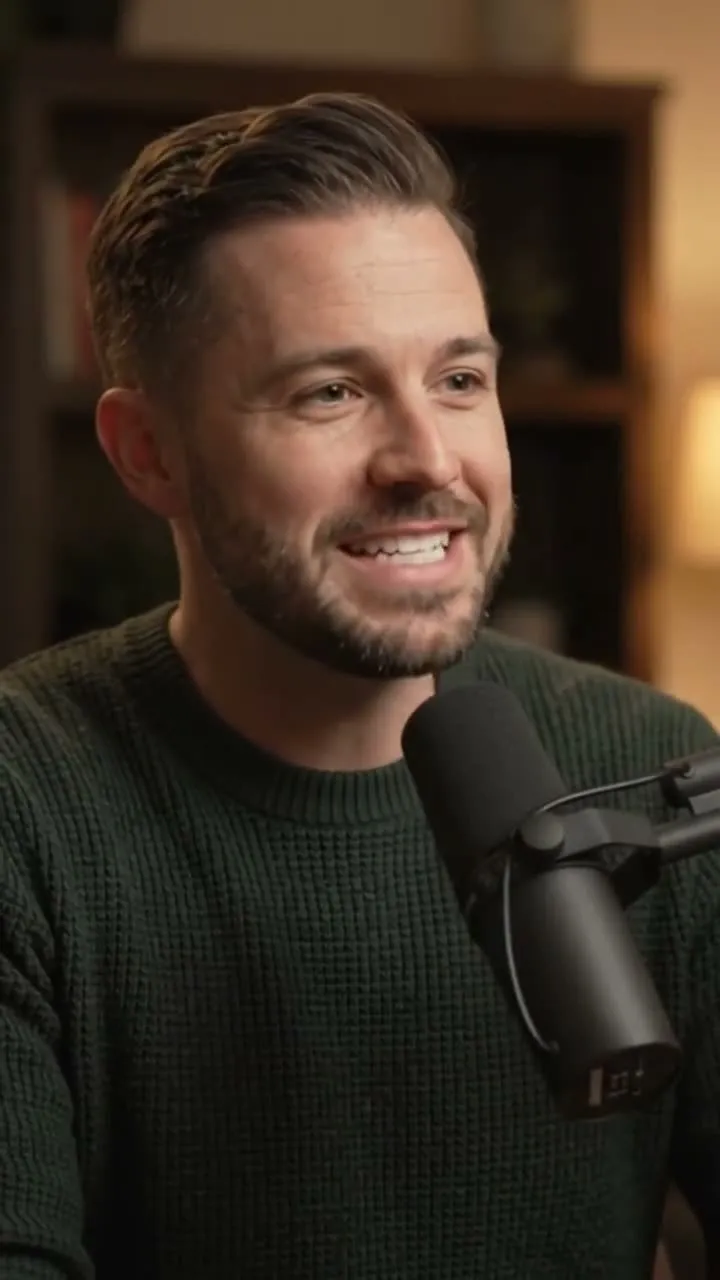
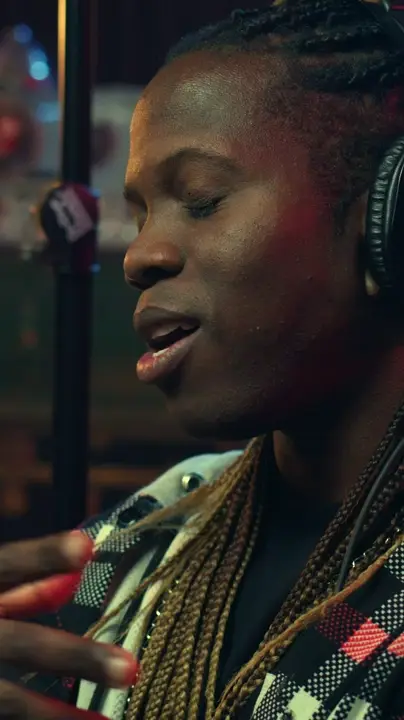
Framed on the speaker, captioned word by word, titled in its language.Press Get clips to start.
Or upload a file. You see what it costs in credits before anything starts.
It reads the whole episode, picks the stretches worth replaying and cuts each one vertical, framed and captioned.
Download the MP4 or put it on your posting calendar. Open the editor only when a clip needs it.
1.1 Found
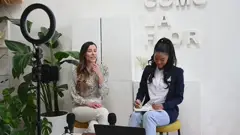
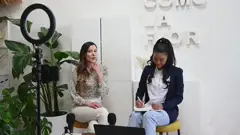
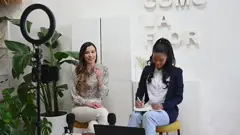
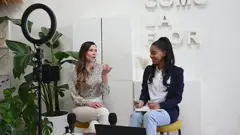
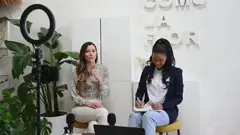
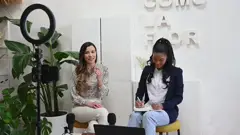
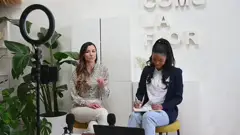
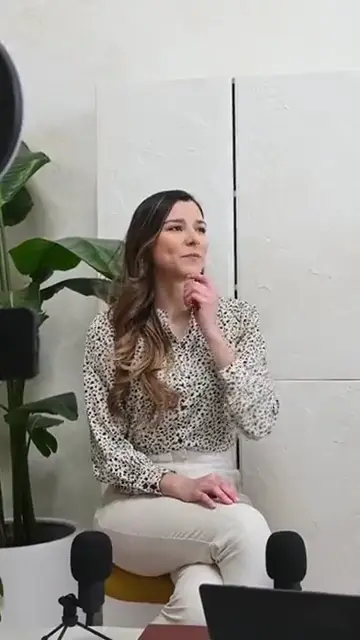
That's the part nobody tells you
Start with the hook
We almost cut this
This changed everything
Say it in one line
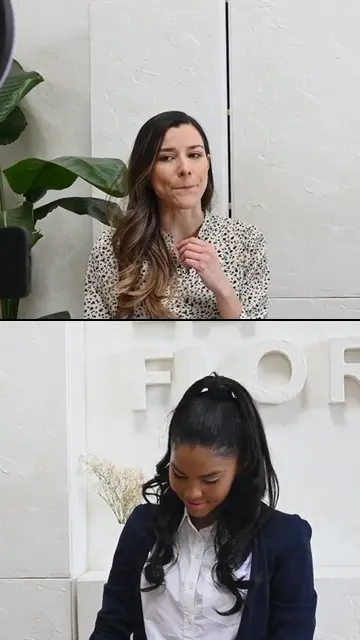
Nobody asked me that before
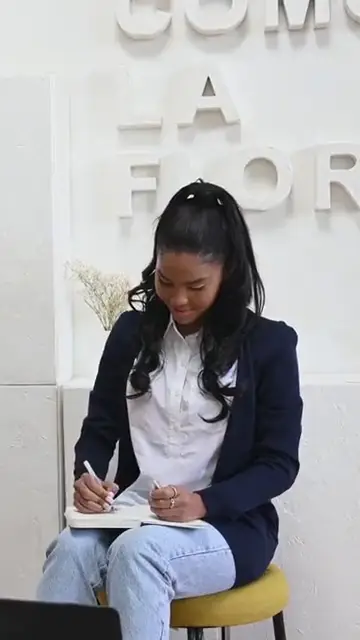
Here is what I would do
1.2 Posted
Timed to each word
The transcript carries a timing per word, so the highlight moves with the speech.
Styles to pick from
Minimal, Karaoke Fill, Paper Card and the rest, chosen in the editor or set on a template.
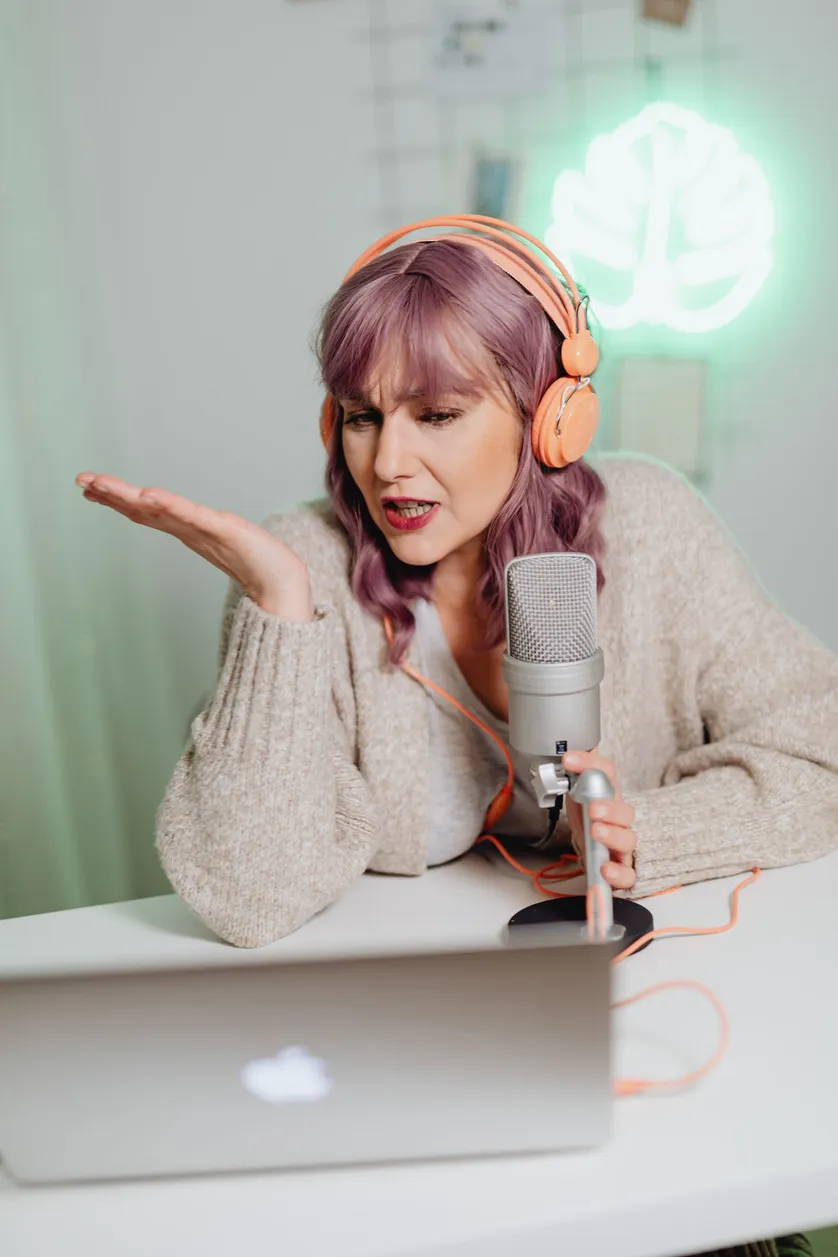
Editable inline
Font, weight and emphasis colour, changed right on the clip.
Review, then ship
Reframe position, captions, style, all yours. Export in one click.
Restyle captions, move the framing, retype a title, add motion or B-roll. It works on a phone too.
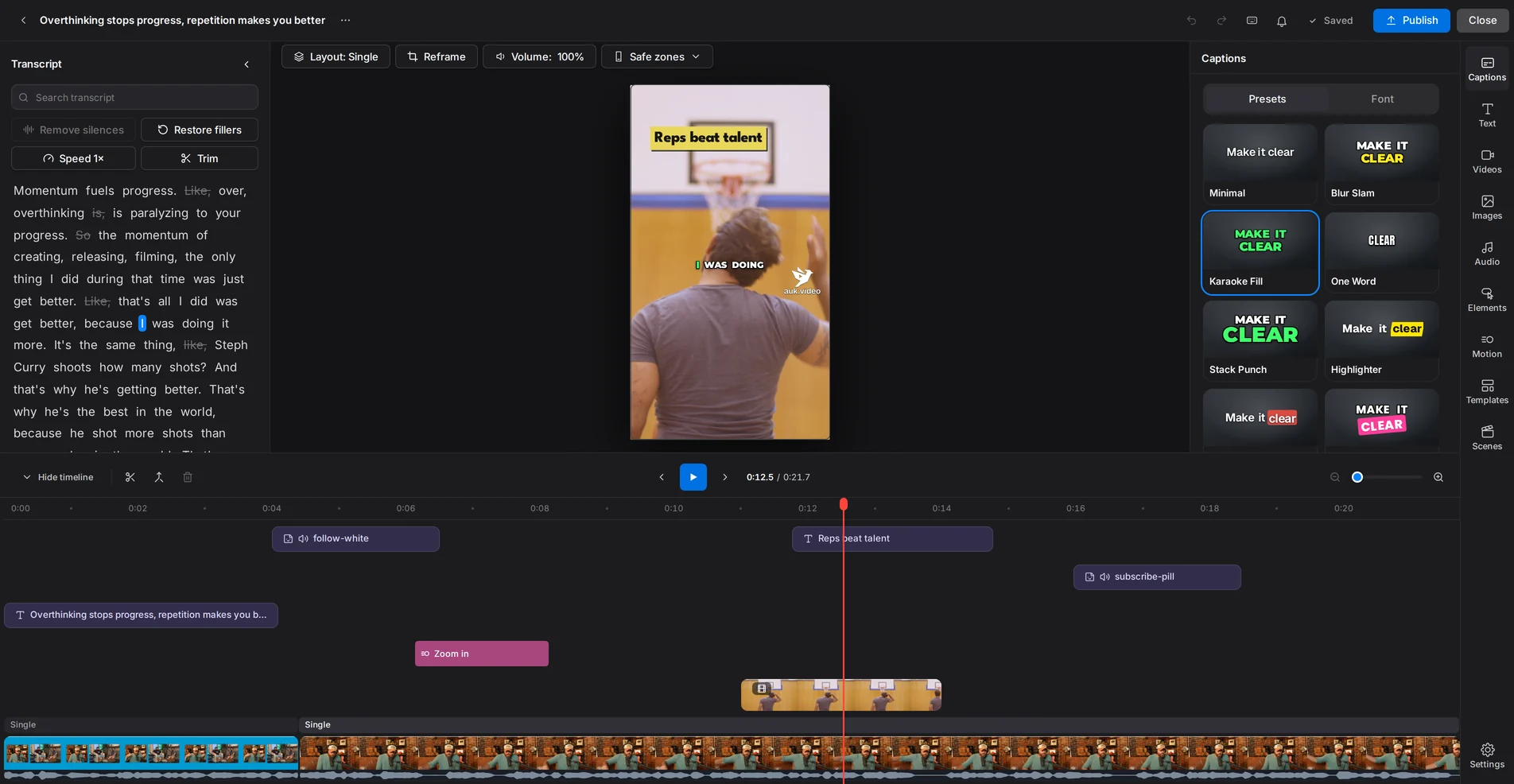
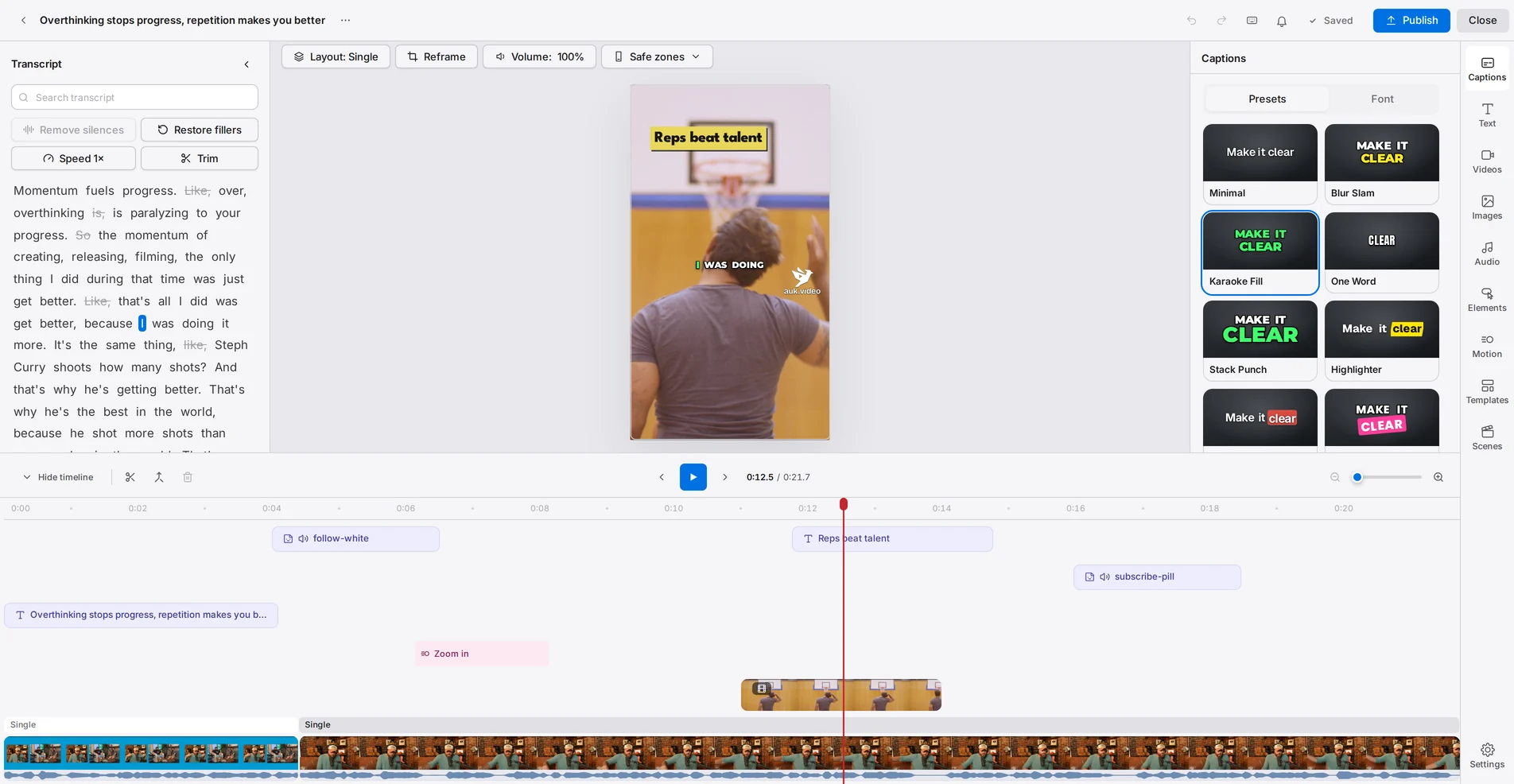
One toggle removes um, uh, repeats and stutters (English speech for now); another closes the silences.
Strike a word in the transcript and its sound, picture and caption go with it; right-click any piece to use it as the hook.
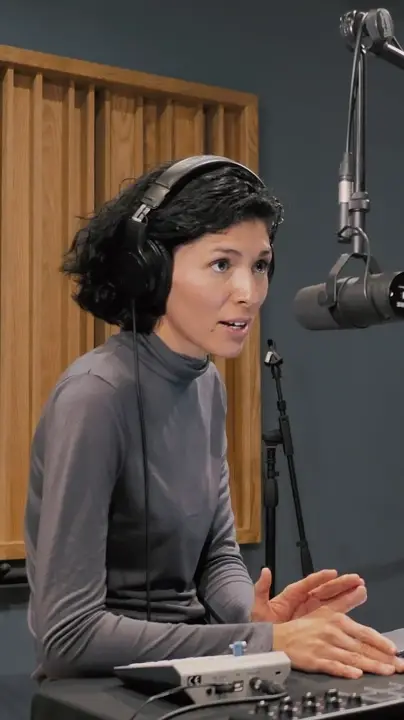
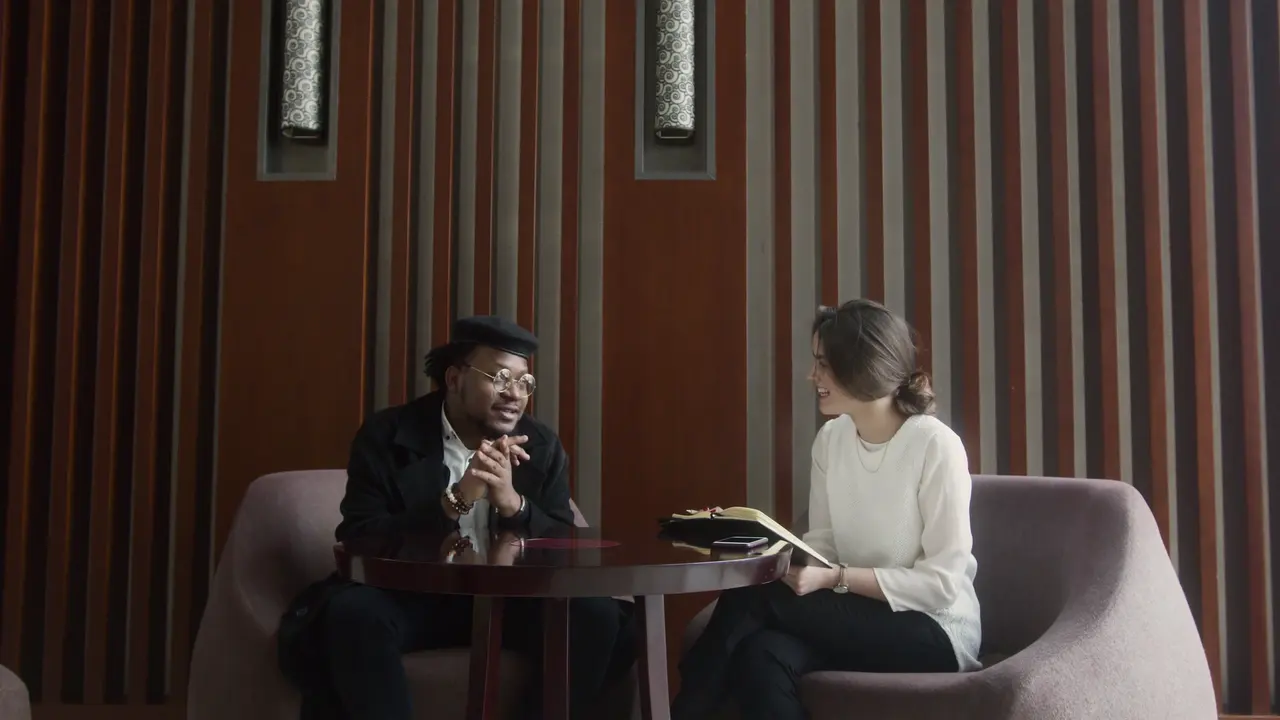
Auk Video follows the active speaker, so the vertical crop holds the person talking instead of the middle of the room. Move the framing yourself in the editor whenever you disagree with it.
Keep one per show. Changing it later never touches a clip you already have.
Pick a style, with your font and colours. The spoken word lights up.
Each clip gets its own title, in the look you pick, moving your way.
Calm, Lively or Punchy: from a fading title to a zoom at every cut.
Save each show's look as a template. Pick it for new clips, or apply it to one you already have.