


AI clip generator for long videos it picks the moments, frames the speaker and captions every word.
How to generate clips from a long video with AI in five steps
Create your free account
Go to www.auk.video and sign up with Google or email. No card needed: a new account starts with free credits, and you land on Home.
Add your video
Paste the link to your video on Home and press Get clips, or press Upload a file and choose your video.
Tell it what kind of video it is
Set Video type (Podcast or interview, Commentary or vlog, Gaming or stream, Comedy, Tutorial or lesson, Talk or webinar) or leave it on Auto. Pick a Clip length and a caption style, and drag the Section handles if you only want part of the video.
Let Auk Video find the moments
Press Make clips. Auk Video transcribes every word, reads the whole transcript, marks moments that make sense on their own, scores each from 0 to 100 and keeps the best. Each one becomes a vertical clip framed on whoever is speaking, with word by word captions. You get an email when the clips are ready.
Review, edit and post
Watch each clip on the project page and keep your favorites. Open any clip in the editor to trim it, fix a word or change the framing, then download the MP4 or publish it to TikTok, YouTube Shorts or Instagram Reels.
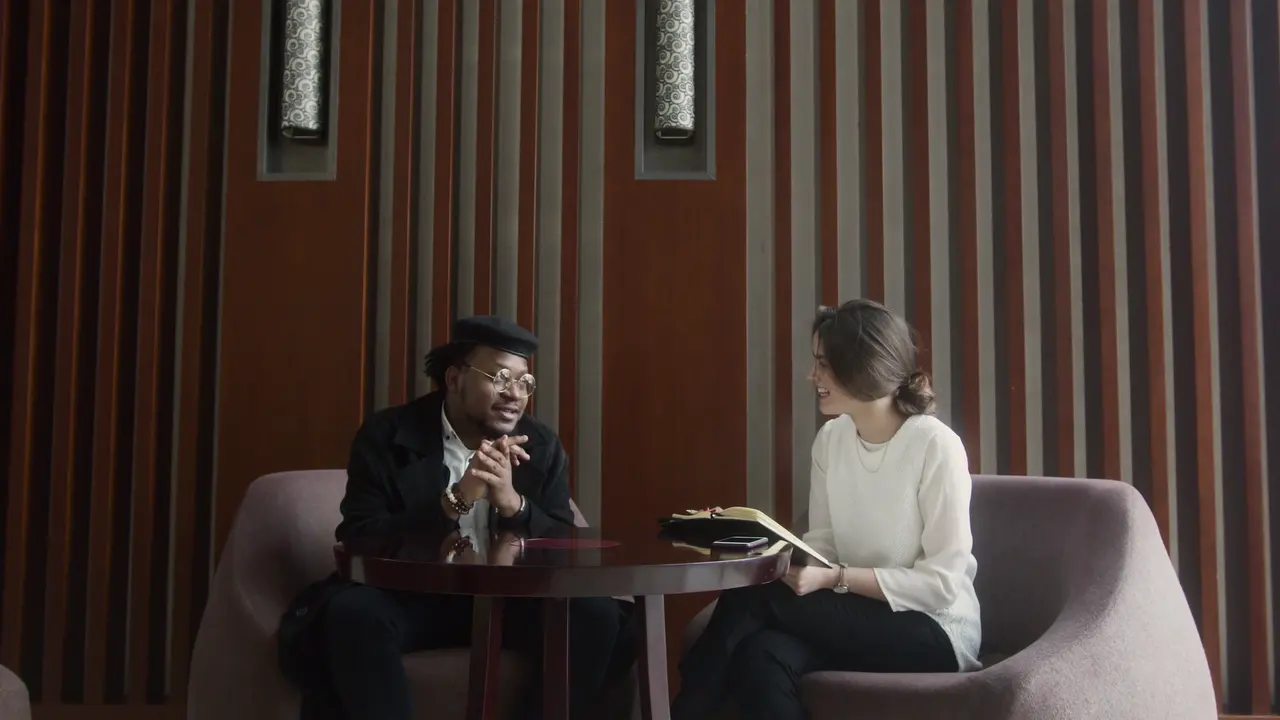
The AI frames the speaker, not the middle.
Once it has picked a moment, Auk Video reframes it for a phone screen shot by shot: the crop follows whoever is talking, a group shares a split, and slides stay whole. Move the framing in the editor when you want a different shot.
Captions come with every generated clip.
Timed to each word
The transcript carries a timing per word, so the highlight moves with the speech.
Styles to pick from
Minimal, Karaoke Fill, Paper Card and the rest, chosen in the editor or set on a template.
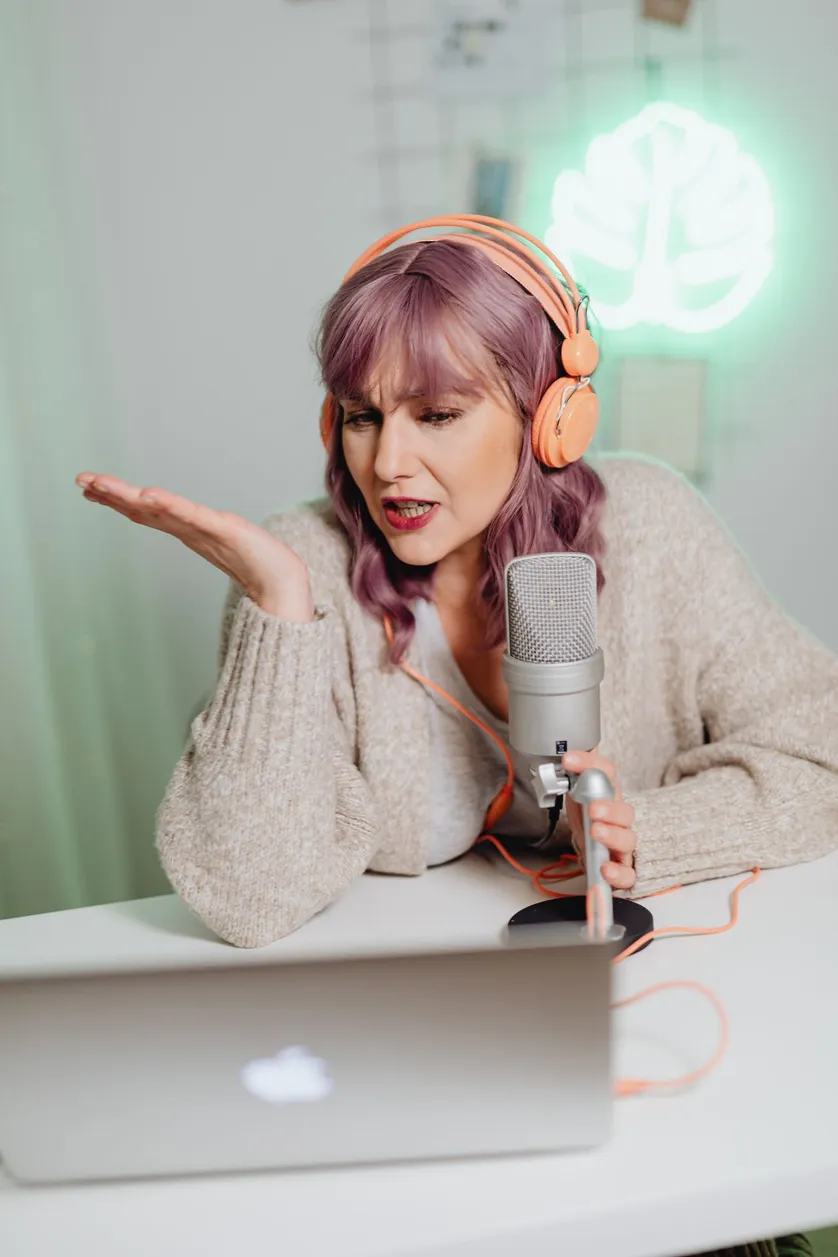
Editable inline
Font, weight and emphasis colour, changed right on the clip.
Review, then ship
Reframe position, captions, style, all yours. Export in one click.
Generated clips that look like yours.
Save a template with your caption style and colors, and every clip the generator makes comes out in your look instead of a default one.
Pick a style, with your font and colours. The spoken word lights up.
Each clip gets its own title, in the look you pick, moving your way.
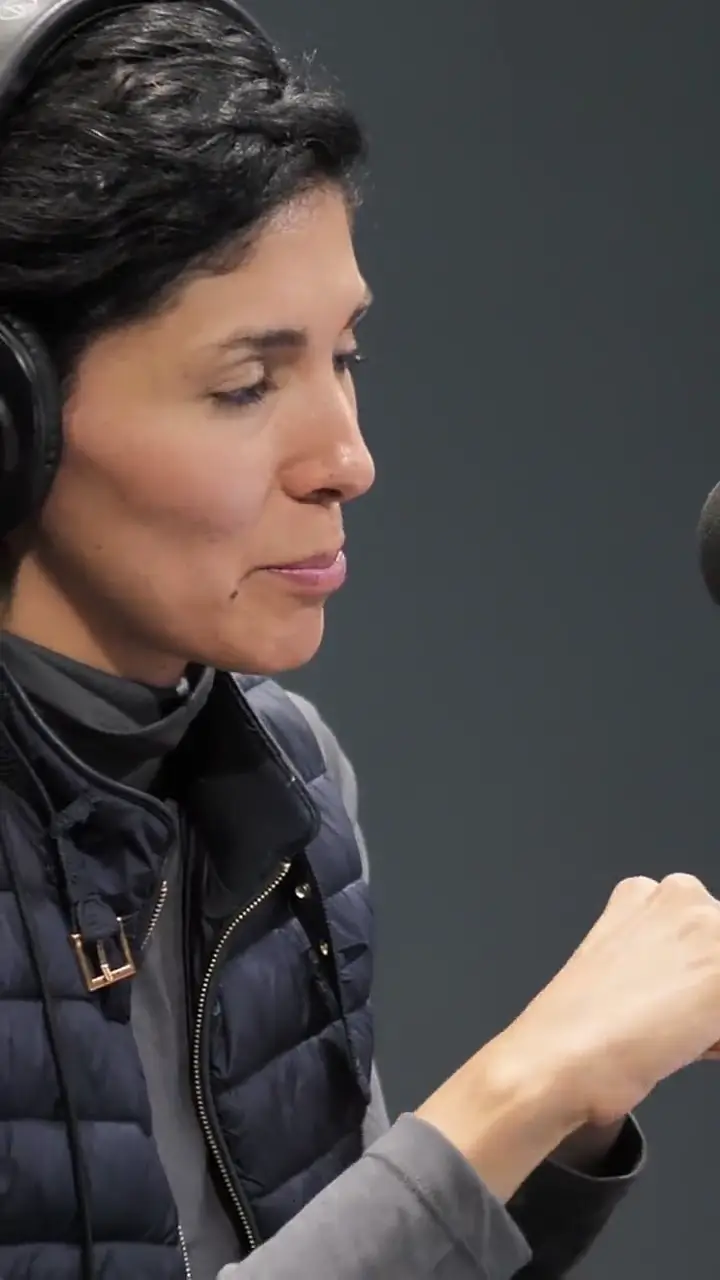
Calm, Lively or Punchy: from a fading title to a zoom at every cut.
Save each show's look as a template. Pick it for new clips, or apply it to one you already have.
Questions
What is an AI clip generator?
A tool that takes a long video, such as a podcast, a stream, a webinar or a talk, and cuts it into short clips for TikTok, YouTube Shorts and Instagram Reels without you scrubbing through the footage. Auk Video works from what is said: it transcribes the video, picks the moments that work on their own and turns each into a captioned vertical clip.
How does Auk Video decide which moments to clip?
It reads the full transcript first to learn what the video is about, then finds moments that make sense without the rest of the video, each with a title and topic tags. Every moment gets a score from 0 to 100, the highest scoring ones are kept, and any that mostly repeat another are skipped. The score rates the moment as a clip; it does not predict views.
How many clips will I get?
It depends on the video. Only moments that score well enough are kept, so two videos of the same length can give different counts. To get clips from one part of a long video only, pick a Section before you press Make clips.
Do the clips come out vertical with captions?
Yes. Every clip is a vertical 1080 by 1920 MP4 with captions burned in. The crop follows whoever is speaking, two to four people can share the screen in a split, and a slide or screen recording is shown whole. You can change the caption style, fix a word or move the crop in the editor.
Is there a free AI clip generator?
Yes. Sign up and your account starts with free credits, no card needed, so you can run the AI clip generator on one of your own videos, or on a Section of a long one, and download what it makes. Free-plan exports carry a small Auk Video watermark; a paid plan removes it, including on clips you made before.
What if the AI finds no good clips or the project fails?
If no moment scores well enough, the project says so and Try again runs the video again. If a project fails, the credits it used come back to your account in full.