


Convert horizontal video into vertical clips framed on whoever is talking, not a fixed crop down the middle.
How to convert a horizontal video to vertical in five steps
Create your free account
Go to www.auk.video and sign up with Google or email. No card needed: a new account starts with free credits, and you land on Home, ready to make clips.
Add your video
Paste the link to your video on Home, or press Upload a file and choose your video.
Pick the part and the look
Choose a caption style, and drag the Section handles if you only want part of the video. Only that stretch is searched for clips, and only its minutes use credits.
Let Auk Video reframe it
Press Make clips. Auk Video picks the moments worth posting and turns each into a vertical clip, shot by shot. The crop follows whoever is speaking, two to four people share the screen in a split, a webcam over a screen goes in a band at the top, and a slide or screen recording is shown whole.
Check the framing and download
Open any clip in the editor and click Reframe to drag the crop, change the layout or show the whole frame. Then download the vertical MP4 or schedule it to TikTok, YouTube Shorts or Instagram Reels.
Not a fixed crop down the middle.
A 9:16 frame keeps about a third of a 16:9 picture, so where it sits decides the clip. Auk Video chooses shot by shot: it follows the person speaking, splits the screen for two to four people, and shows a slide or screen recording whole with the space above and below filled.
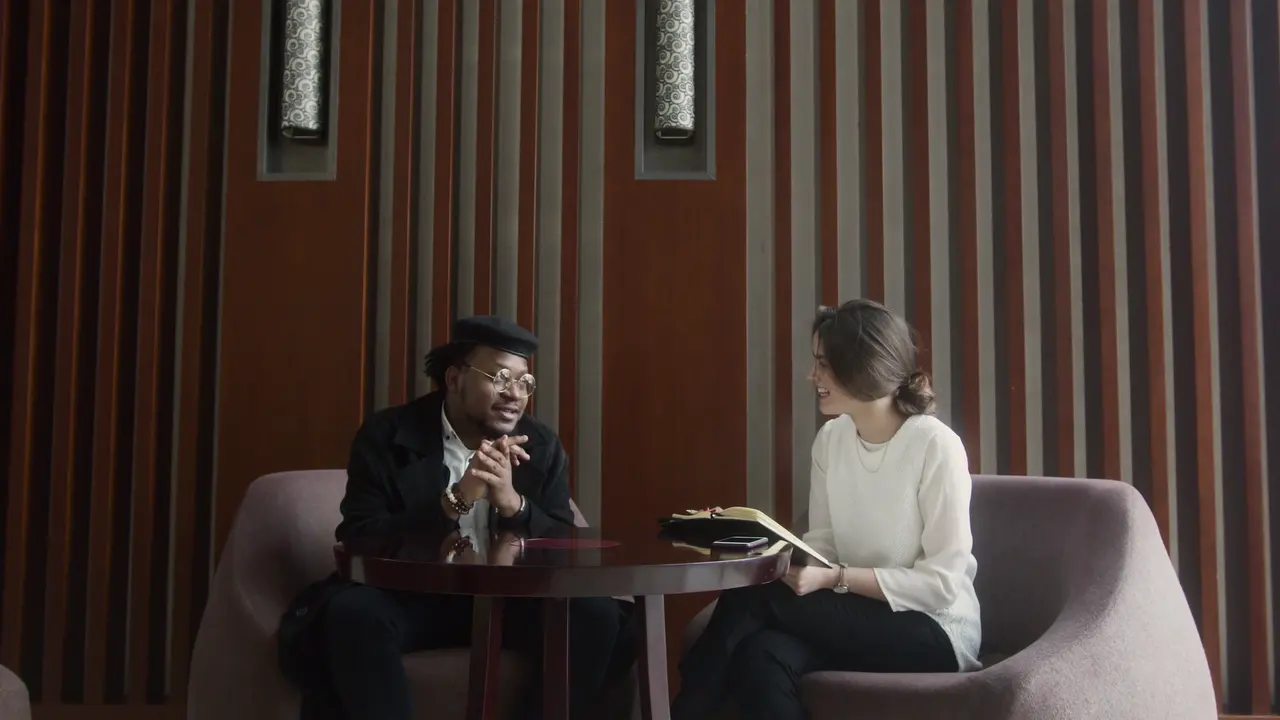
Vertical clips that read with the sound off.
Timed to each word
The transcript carries a timing per word, so the highlight moves with the speech.
Styles to pick from
Minimal, Karaoke Fill, Paper Card and the rest, chosen in the editor or set on a template.

Editable inline
Font, weight and emphasis colour, changed right on the clip.
Review, then ship
Reframe position, captions, style, all yours. Export in one click.
Every converted clip in one style.
Pick your caption style and colors once as a template, and each vertical clip you make from a wide video comes out matching.
Pick a style, with your font and colours. The spoken word lights up.
Each clip gets its own title, in the look you pick, moving your way.
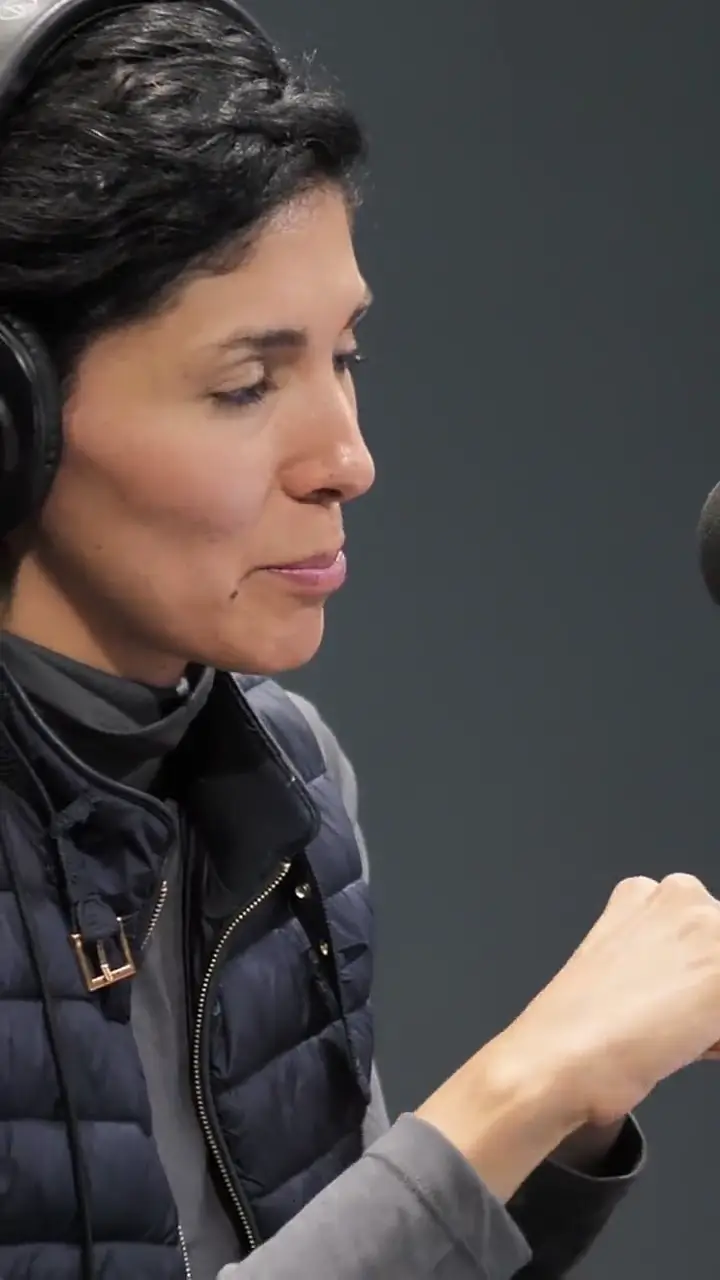
Calm, Lively or Punchy: from a fading title to a zoom at every cut.
Save each show's look as a template. Pick it for new clips, or apply it to one you already have.
Questions
How do I convert a horizontal video to vertical?
Sign up free at www.auk.video, then paste the link to your video on Home or upload the file, and press Make clips. Auk Video cuts the best moments into vertical clips, crops each shot to whoever is speaking and captions every word. Fix the framing of any clip in the editor, then download it or publish it.
Why not just crop the middle of the frame?
The person talking is rarely in the middle for the whole video. A fixed center crop cuts off whoever sits to the side, and cuts slides and screens in half. Auk Video finds the faces in each shot, matches them to the audio to tell who is speaking, and moves the crop with that person, starting fresh at every cut.
Does Auk Video convert my whole video into one vertical video?
No. Auk Video turns a long horizontal video into several short vertical clips of the moments that work on their own, each sized for TikTok, YouTube Shorts and Instagram Reels. To choose the part it looks in, pick a Section before you press Make clips.
What happens to slides, screen recordings and gameplay?
When a shot has no face to follow, Auk Video shows the whole wide frame with the space above and below filled, so nothing on screen is cut away. When a webcam sits over a screen, it puts the person in a band at the top and the screen below, following where the picture changes.
What size is the vertical video I get?
An H.264 MP4, vertical 9:16 at 1080 by 1920 pixels and 30 frames per second, with the captions, crop and layout burned in. That shape fills the screen on TikTok, YouTube Shorts and Instagram Reels.
Is there a free horizontal to vertical video converter?
Yes, to start. New accounts get free credits without a card, enough to turn the best moments of one of your own videos into vertical clips and download them. On the free plan each export carries a small watermark, which a paid plan removes.