


How do I watch, favorite and download my clips?
Your clips appear as tiles on the project page as each one is made. Click a tile to play the clip with its captions, then press Open in editor to change it or Download to save the MP4.
Where are my clips?
- On the project page. Open Home in the sidebar and click a project.
- On the Clips page. Clips in the sidebar lists the clips from all your projects, with a search box and a project filter.
Each tile shows the clip's title, length and score, for example 0:42 · Score 86. What the score means: How Auk makes clips.
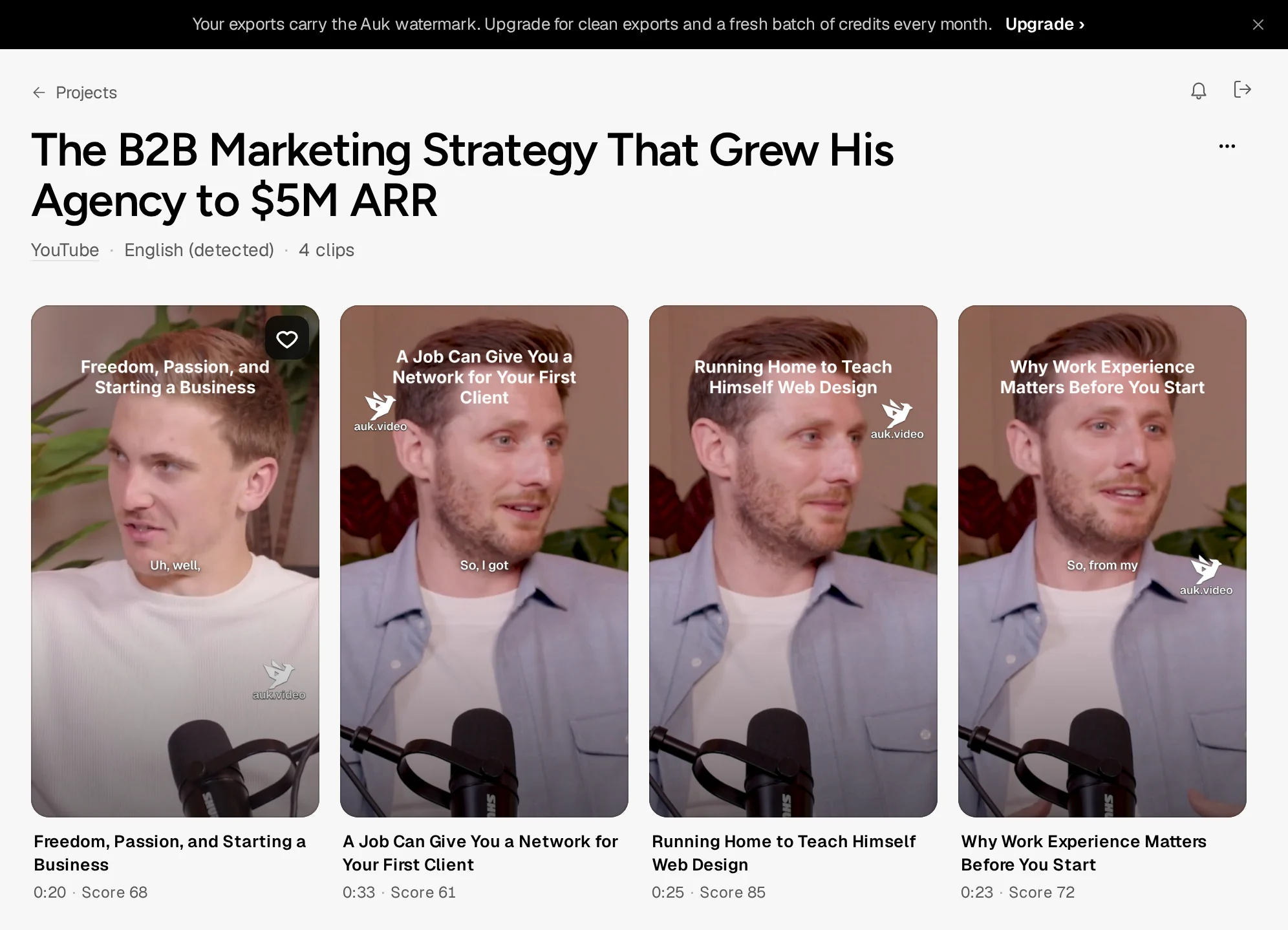
Footage: The B2B Marketing Strategy That Grew His Agency to $5M ARR by Success Clues Podcast, CC BY 4.0, cropped and captioned.
How do I watch a clip?
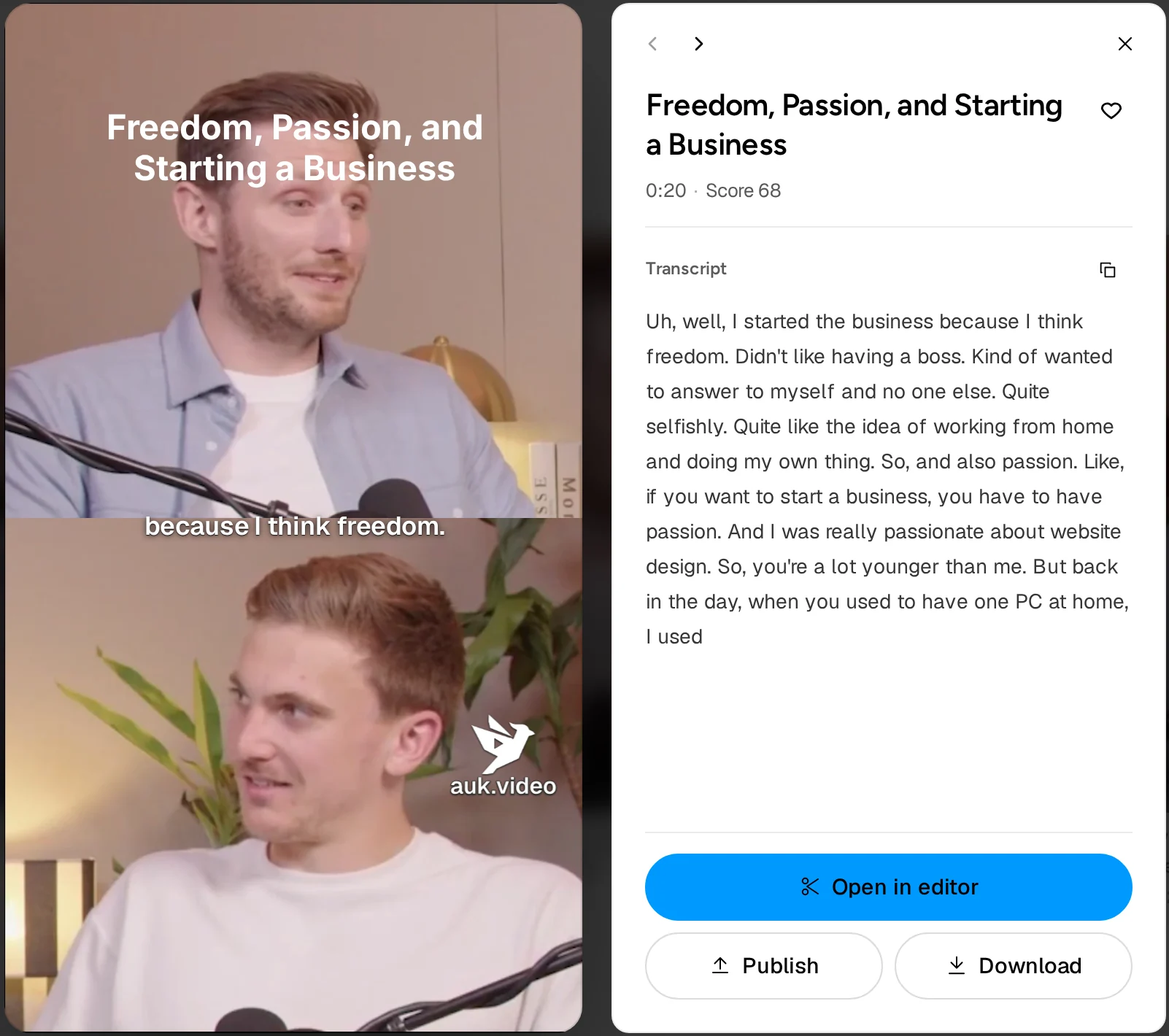
Click its tile. The player shows the clip with its captions and the clip's Transcript, with a button to copy it. Use the arrows at the top of the panel, or the left and right arrow keys, to move between clips, and Esc to close.
How do I save a clip to my favorites?
Press the heart on the tile (it shows when you hover) or in the player. Press it again to remove it. To see only favorites, open Clips and choose Favorites.
How do I edit a clip?
Press Open in editor in the player. See Editing captions and Adjusting the crop.
How do I download a clip?
Press Download in the player. If the clip has not been rendered yet, Auk renders it first and the file saves when the render finishes, named after the clip's title. Details: Exporting a clip.
How do I delete a project?
On the project page, press More actions (three dots) next to the title and choose Delete project, then confirm. This removes the project, its clips and their files, and cannot be undone.
Related
- How does Auk pick the best moments and make clips?Auk transcribes your video, finds moments that work on their own, scores them from 0 to 100, and cuts the best into vertical clips. Each step explained.
- How do I export and download a clip?Open the clip and press Download. Auk renders a vertical 1080 by 1920 MP4 with your captions, for free.
- How do I fix a wrong word in my captions?Correct a misheard word, cut words or fillers out of the video, change the speed or trim the clip from the Transcript panel in the Auk editor.
- How do I fix the crop or framing of a clip?Change a segment's layout, drag the crop onto the right person, put a person, a video or an image in each box, or show the whole frame, all in Reframe.